What it is
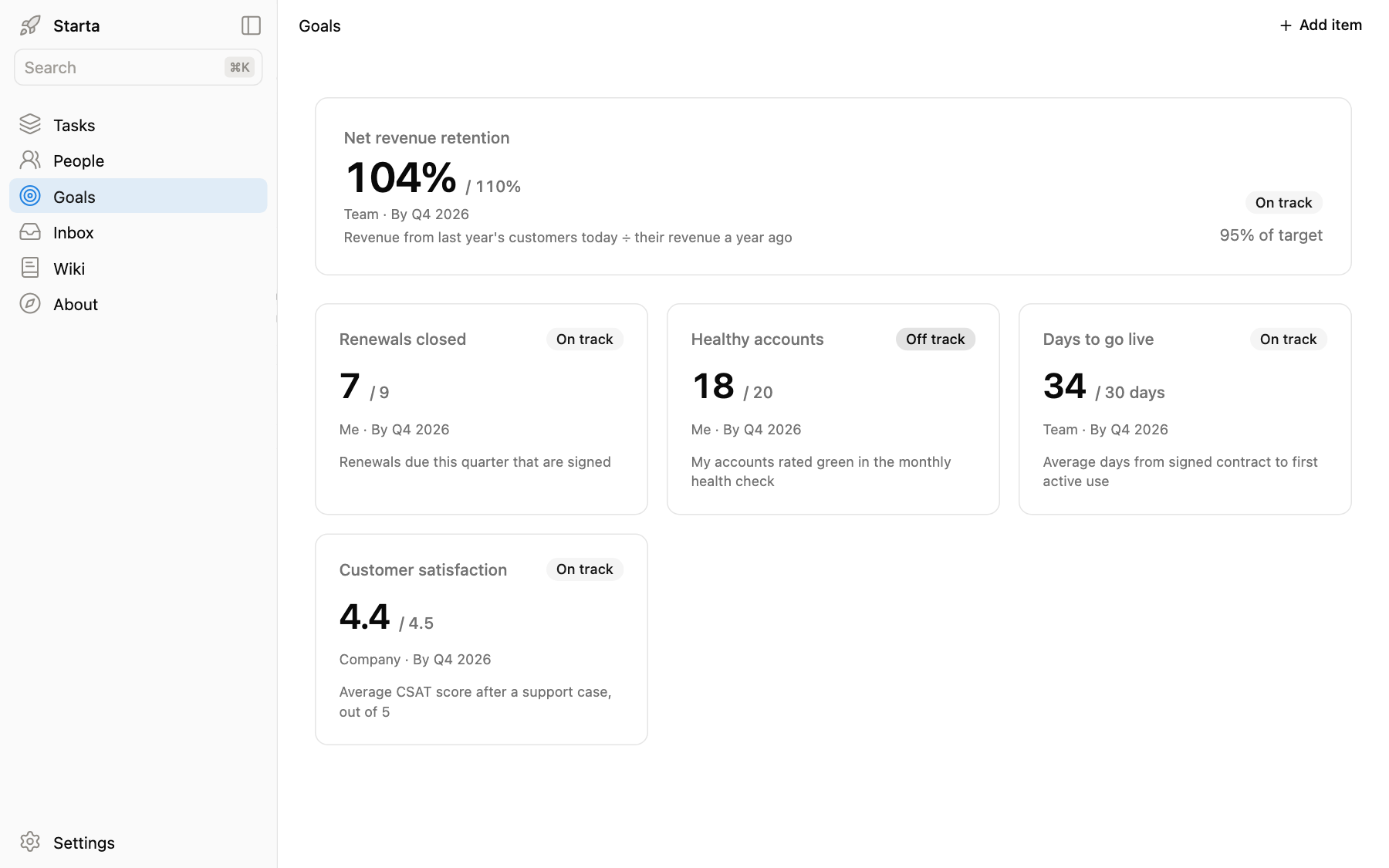
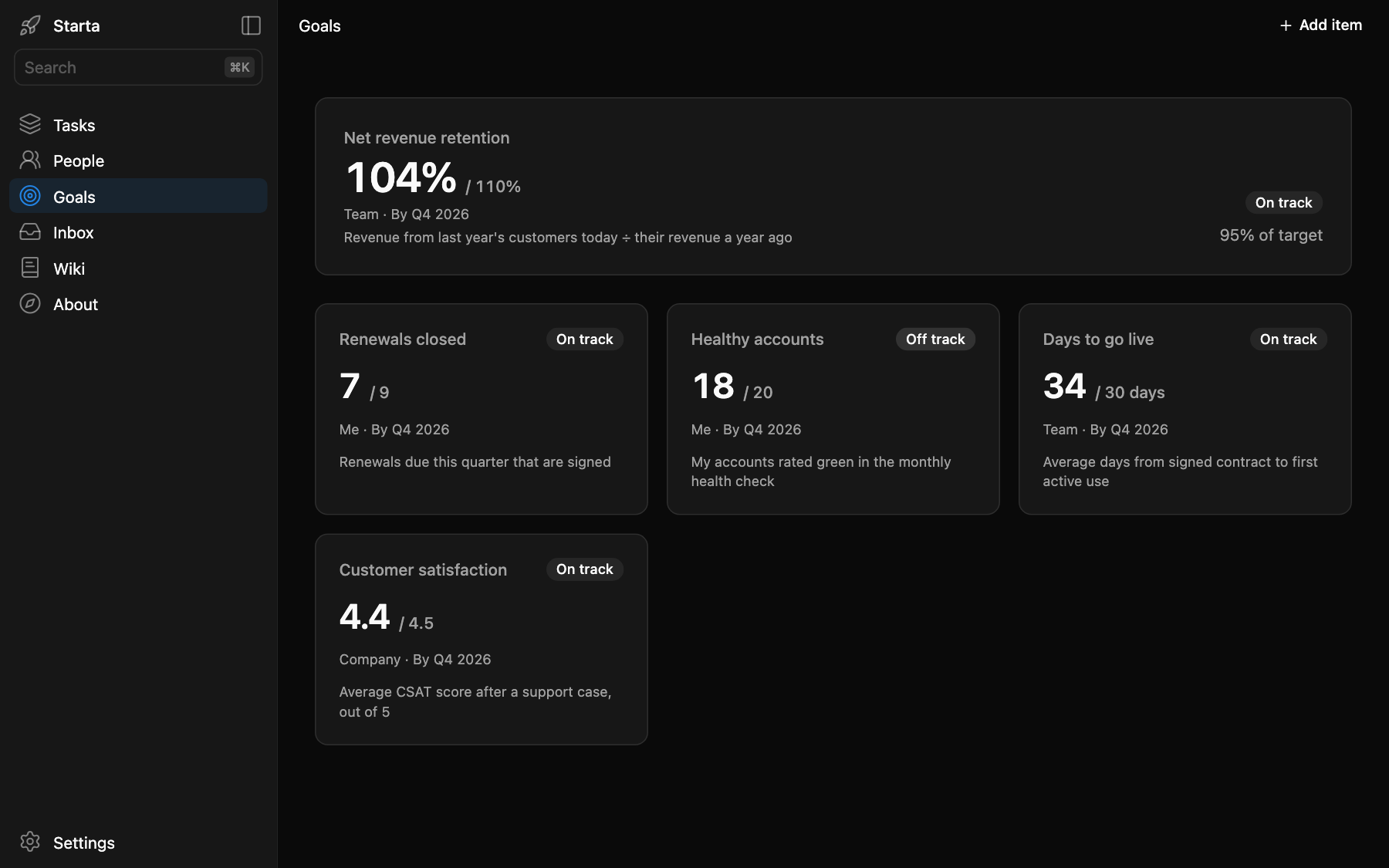
Goals is in the sidebar at /goals. Each goal is a card: where it stands now, the target, who owns it and by when. A new app shows five example goals for a customer success manager at Brightlane, such as Net revenue retention and Renewals closed.
What you see
The first goal is the headline, drawn large on top with how far along it is (“95% of target”). The rest sit in a grid below it. Each card shows:
- the value over the target, such as
7 / 9or34 / 30 days; - who owns it and by when: Me, Team or Company, and a day, a month or a quarter, such as “By Q4 2026”;
- how it is counted, in one line;
- On track or Off track, when there is enough to tell. A goal that has reached its target is on track; one whose date has passed without reaching it is off track.
Some goals are better lower, such as days to go live: their direction is “down”. Click a card to edit it, or use Add item for a new one.
Prompts to try
“Interview me about what I am measured on this year, and put each one in Goals with its target and date.”
“Renewals closed is now 8. Update it.”
“Which of my goals are off track, and what in Tasks would move them?”
“Make Customer satisfaction the headline goal.”
Where it lives
app/data/goals.json, one row per goal. The fields are Name, Owner, Value, Target, Unit, Direction, Target date and Description; Claude can add more.