What it is
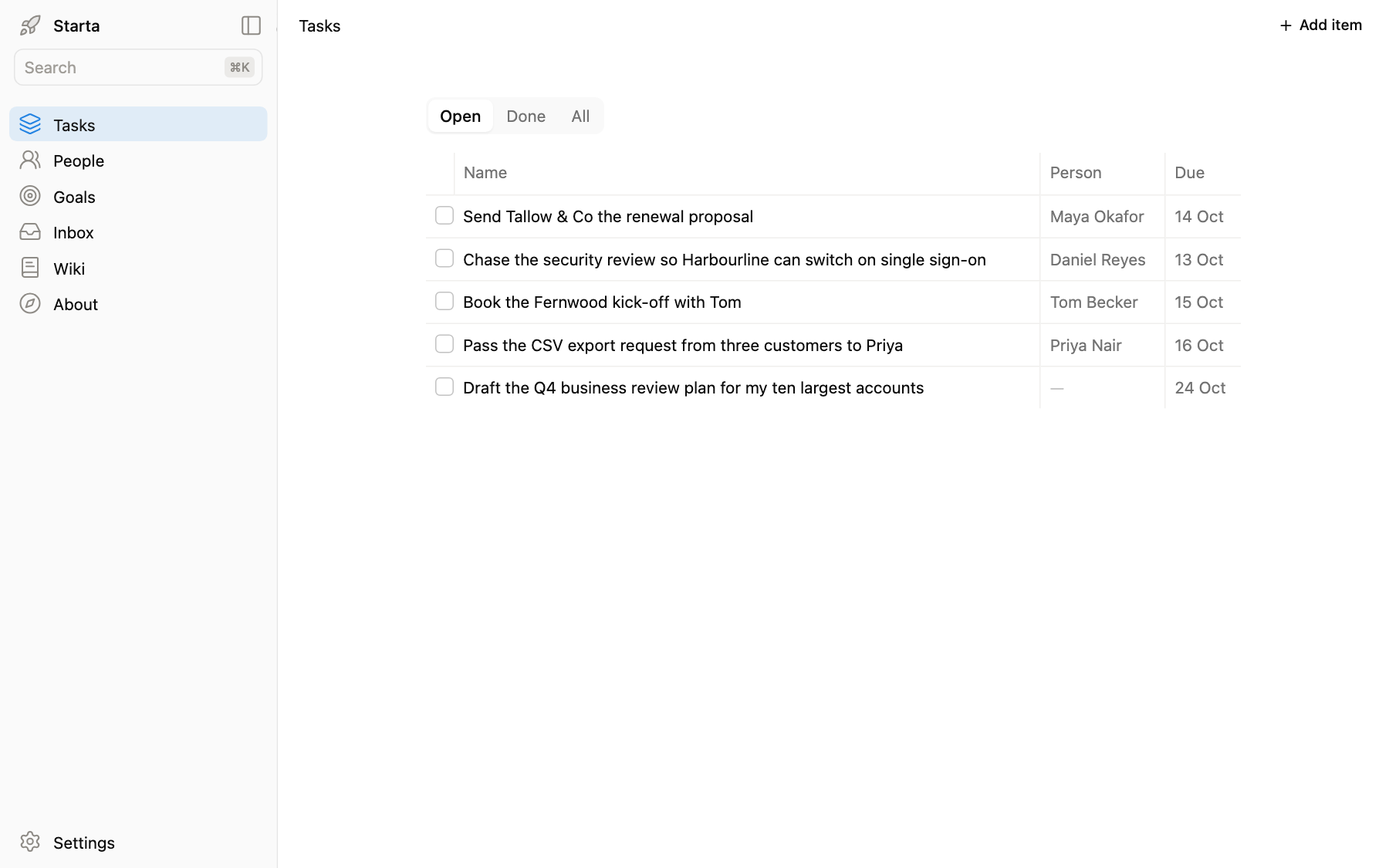
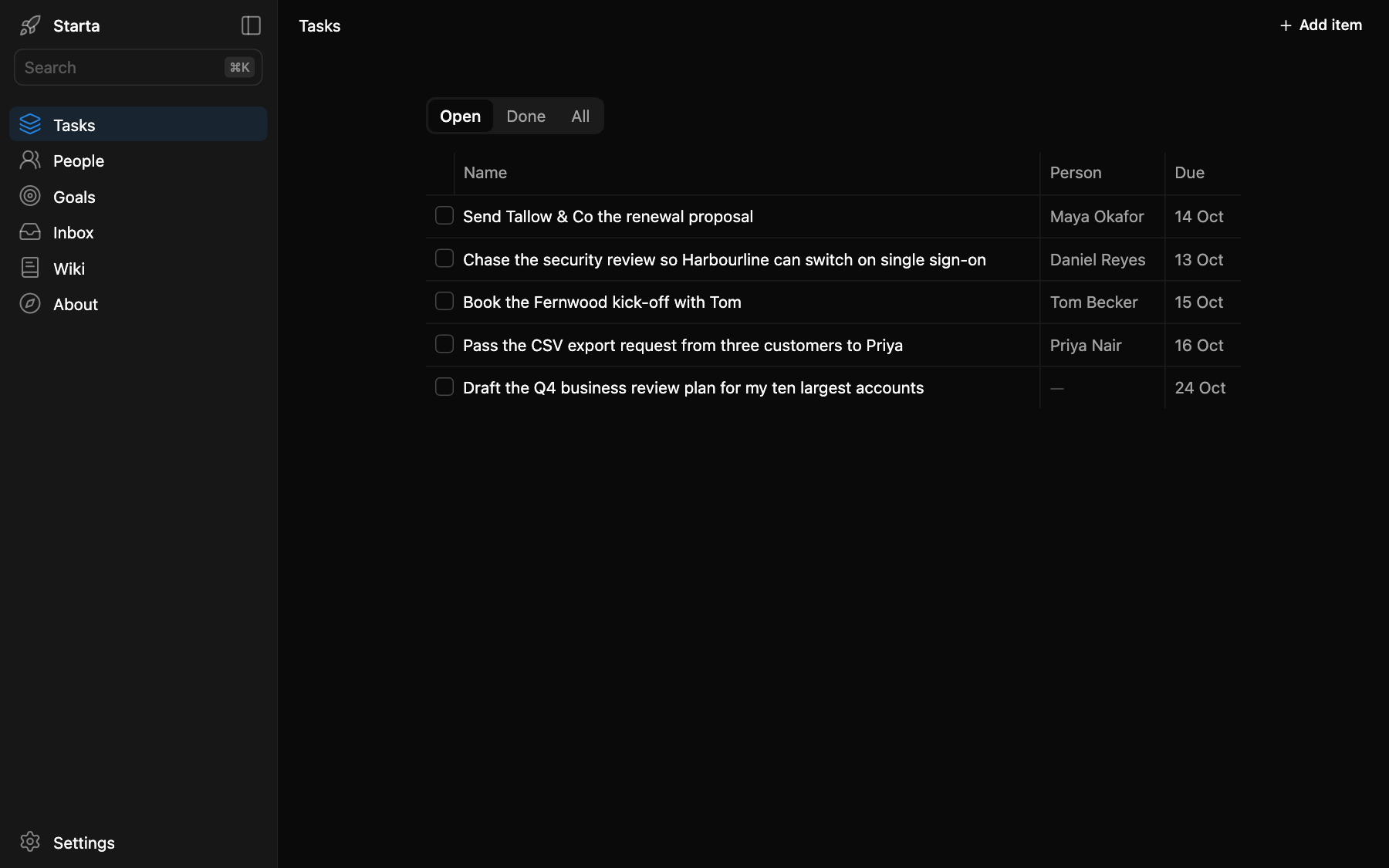
Tasks is the first entry in the sidebar, at /tasks, and the page the app opens on. It is your to-do list: what you have to do, whose it is or who you are waiting on, and when it is due. A new app shows example tasks, such as “Send Tallow & Co the renewal proposal”.
What you see
Three tabs at the top: Open, Done and All. Each open task has a box to tick when it is done, then its name, the person and the due date. Click a task to open its sheet, where you can change it: its Details tab has the type (project, deliverable, task, request or follow-up), the status (backlog, in progress, blocked or done), the person and the due date; its Note tab says what it is and what it is waiting for. Add item adds a task.
The person is a link to someone in People, so a task and its person stay together.
Prompts to try
“Add a task: send Maya the renewal proposal by Tuesday. It is a follow-up.”
“What is overdue, and what is blocked?”
“Here are my notes from today’s meeting. Make a task of each action that is mine.”
“Add a Priority column to Tasks, with high, medium and low.”
Where it lives
app/data/tasks.json, one row per task. You and Claude both write it: if Claude changes the file while you have it open, the page reloads by itself within a few seconds.