What it is
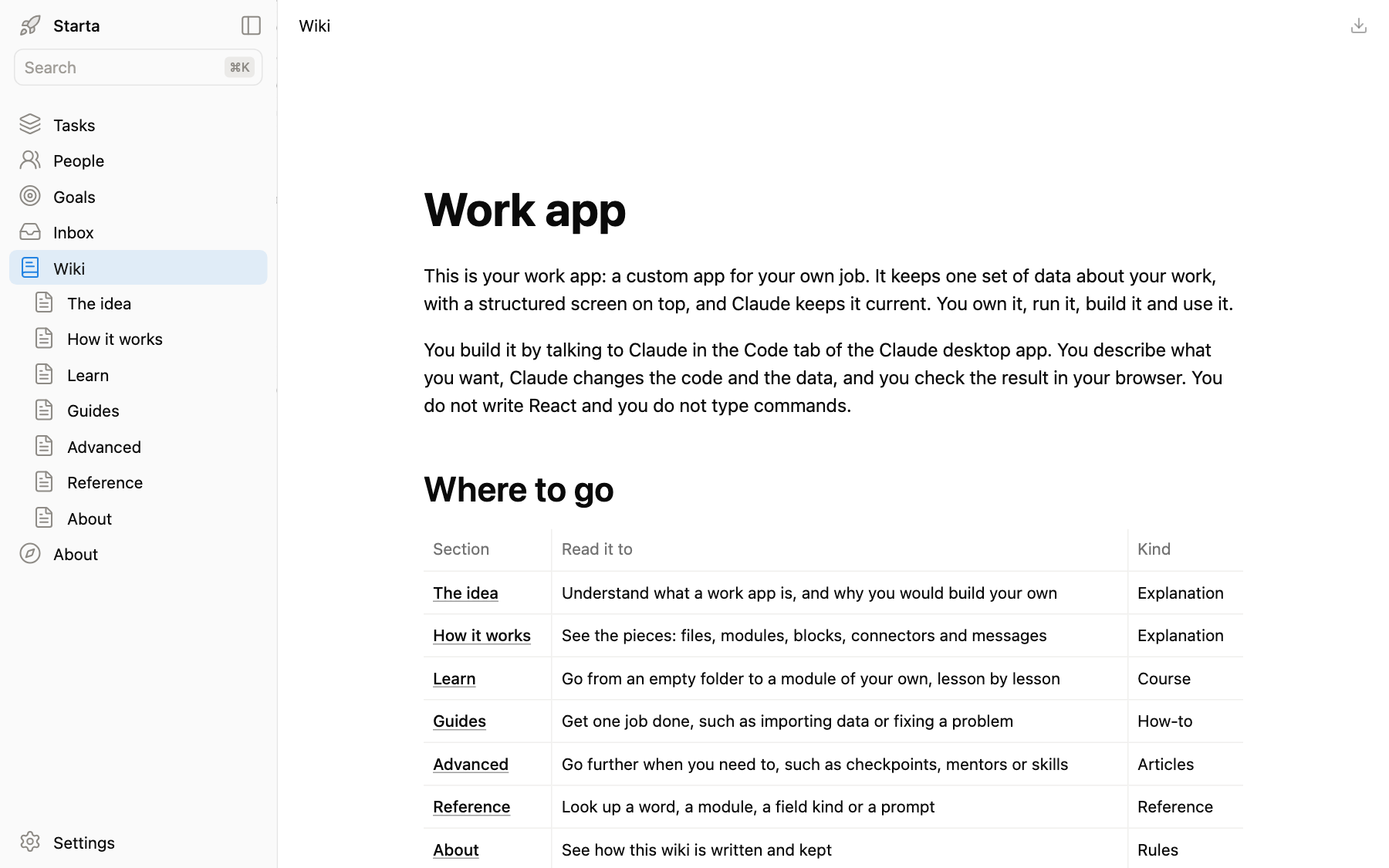
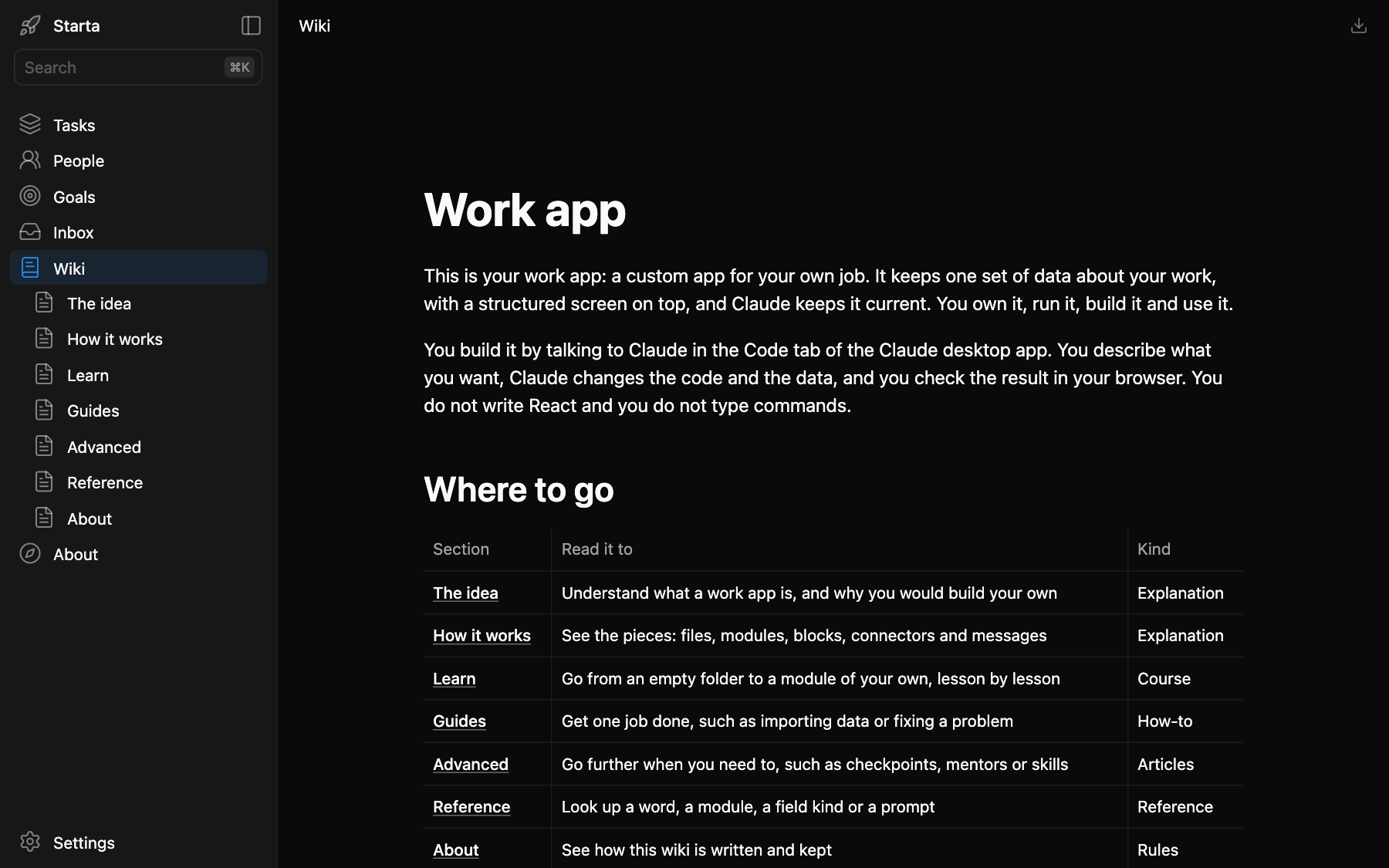
The wiki is in the sidebar at /wiki. It comes with the kit and it is yours to change. It explains what a work app is, teaches you to build yours, and keeps what you learn about your own work.
What you see
The sections are listed under Wiki in the sidebar. A page has a title, its text and its tables; the button at the top right downloads it. Every action in it is written as something to ask Claude, in quotes, for the Code tab of the Claude desktop app.
Prompts to try
“Add a wiki page about how our quarterly business reviews run.”
“Make a wiki section called Our customers, with a page per account.”
“Which lesson in Learn should I do next?”
Where it lives
One page per file in app/wiki/. A folder is a section, and its index.md is the section’s first page. Pages are plain Markdown, with a title and a description at the top; images go in app/public/wiki/.