What it is
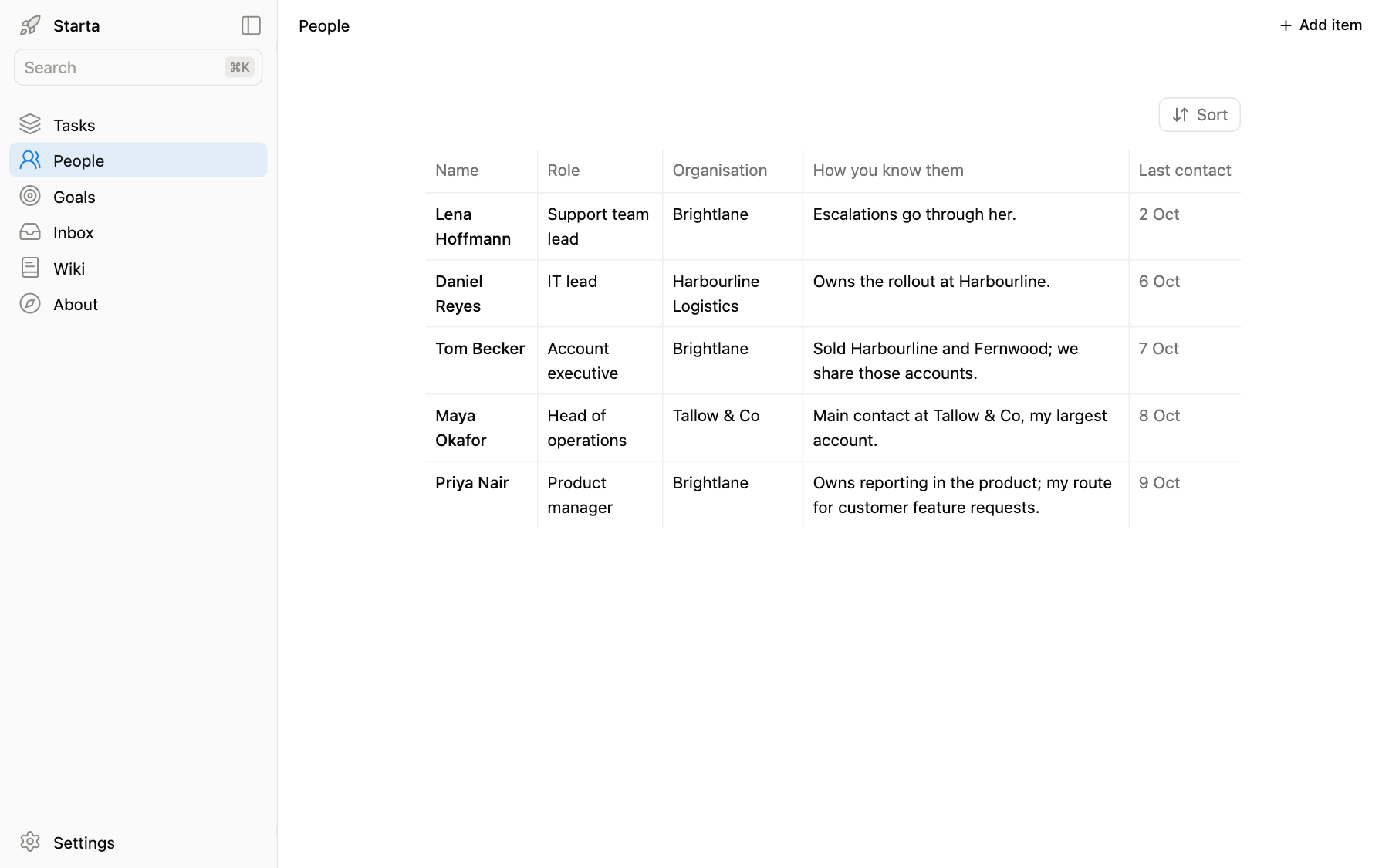
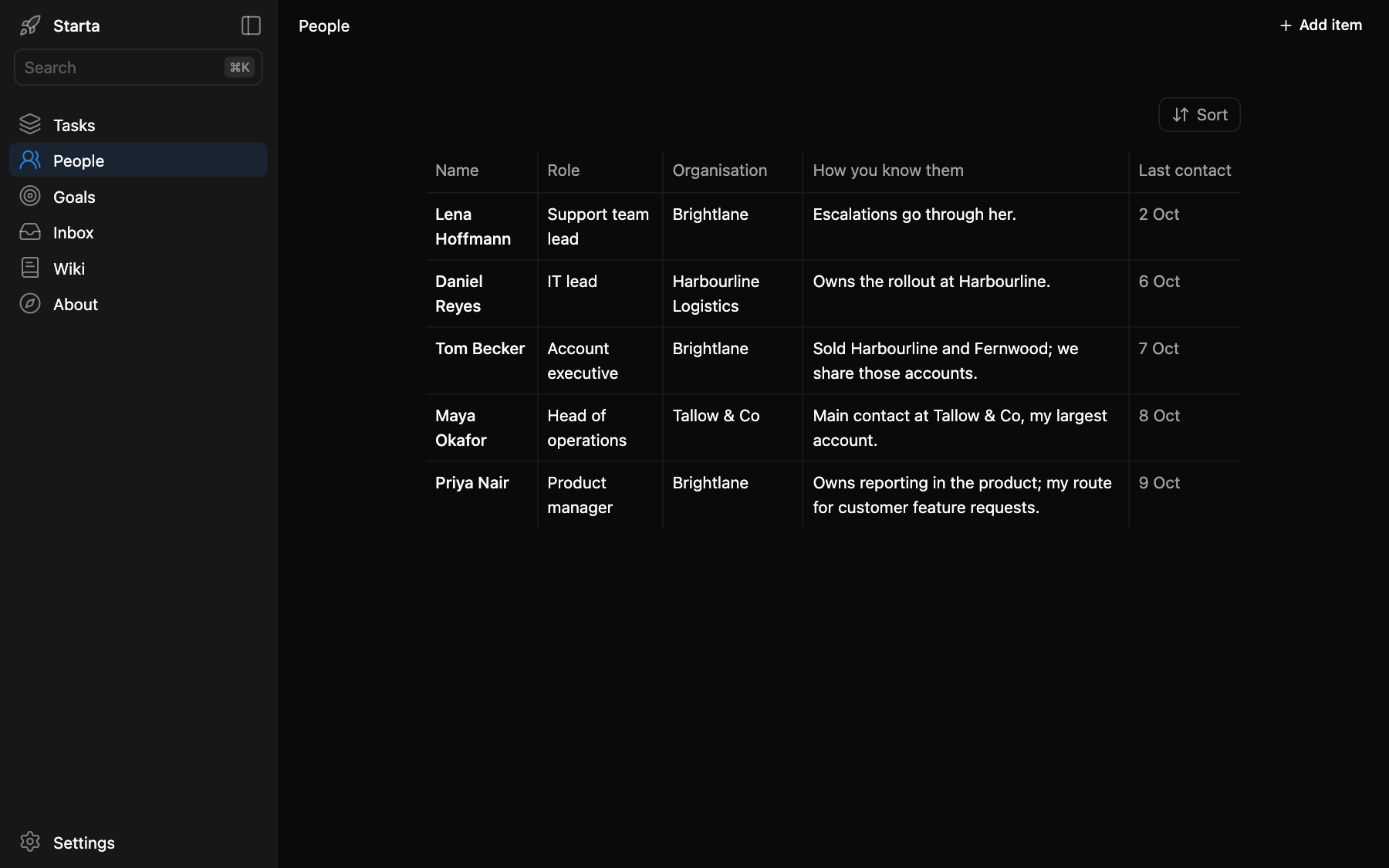
People is in the sidebar at /people. It is a table of the people you work with: their role, their organisation, how you know them and when you last spoke. A new app shows five example people, such as Maya Okafor at Tallow & Co and Daniel Reyes at Harbourline Logistics.
What you see
One row per person, with Sort above the table. Click a row to open its sheet: the Details tab has the name, role, organisation, how you know them and the last contact date; the Note tab holds your working notes, anything worth knowing before the next meeting. Add item adds a person.
People is also where Tasks find their person.
Prompts to try
“Add Daniel Reyes, IT lead at Harbourline Logistics. He owns their rollout.”
“I spoke to Maya today. Set her last contact to today and add to her notes that she wants the proposal a week early.”
“Who have I not spoken to in a month?”
“Add a column called Next meeting. It is a date. Show it after Last contact.”
Where it lives
app/data/people.json, one row per person. Keep it to work contacts and working notes, nothing sensitive.